


Revisit Your Childhood Neighborhood
Revisit streets you once knew in Revisit VR. Explore real Street View and compare available historical imagery with Now & Then on Meta Quest.
You may have forgotten the number of your old home, but still remember the corner by your school, a shop you passed every day, or the street where you turned on your way home. A regular map can help you find these places, but it is harder to use one to look along the street again. Revisit VR offers a more direct way: search for a familiar place, enter real Street View imagery, and use Now & Then to compare past and present where historical images are available. View details
Open Exploration: Find a Familiar Street
Start by searching for a landmark you know: an old school, a nearby park, or a station you often passed. Revisit VR’s Open Exploration lets you choose your destination. Where Street View imagery is available, you can look around at buildings and intersections from street level instead of seeing only their positions on a map.
Try moving in the direction you used to walk. Have the shops changed their signs? Is there a new sidewalk at the intersection? If the Street View points connect, you can move step by step toward a place you recognize. How far you can explore depends on local Street View coverage.
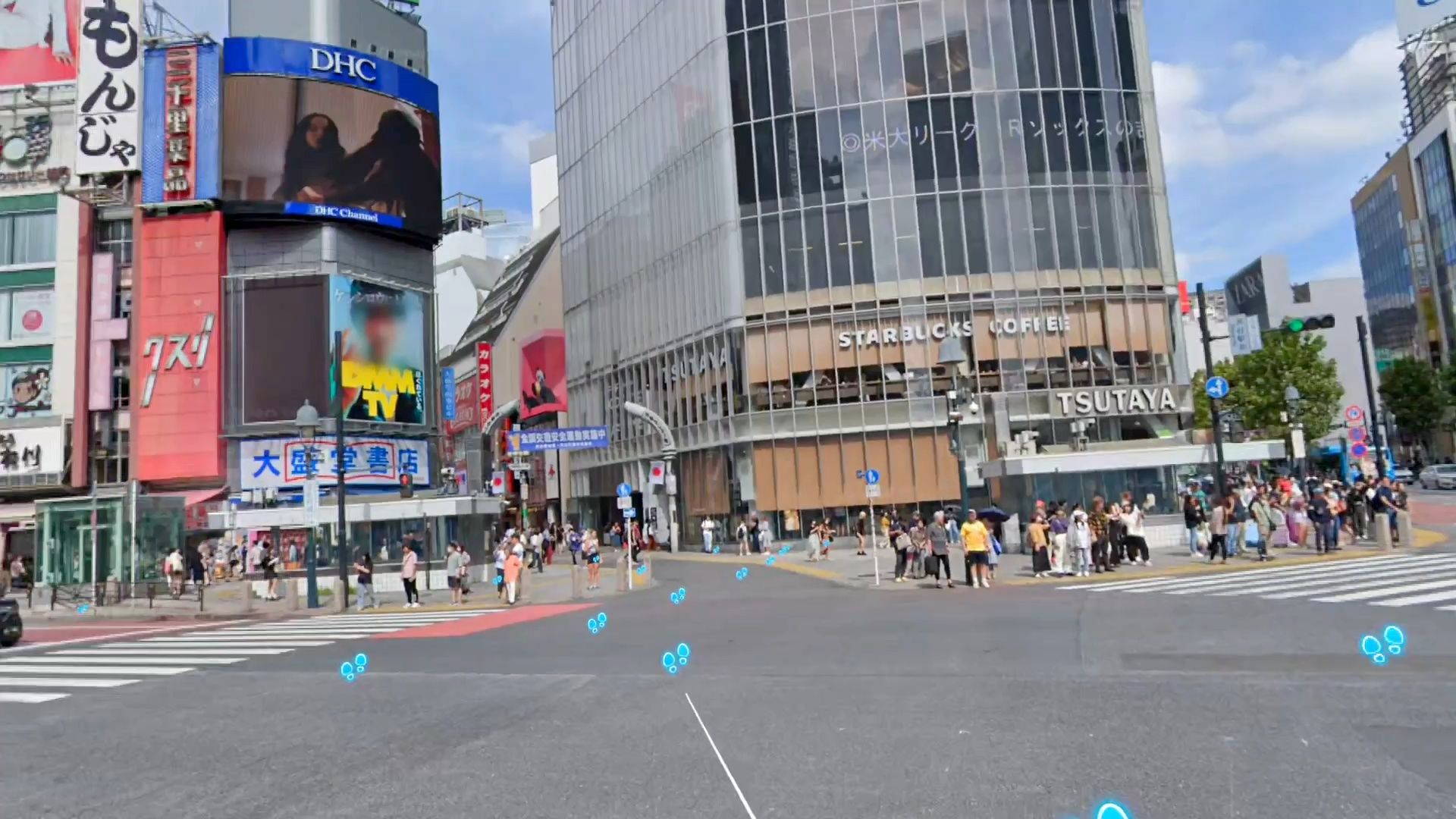
Historical Street View: Notice What Has Changed
A childhood photo with friends usually captures the people. Historical Street View imagery may have captured the whole street. By comparing 360° images from different years, you can look for old shops, new buildings on former empty lots, and changes to either side of the road. In a park, paths, trees, and benches can offer clues as you compare views from different years.
There are clear limits: historical imagery is not available everywhere, you cannot choose any year you like, and camera positions and image clarity may differ. Historical Street View shows a recorded moment, not the complete past.
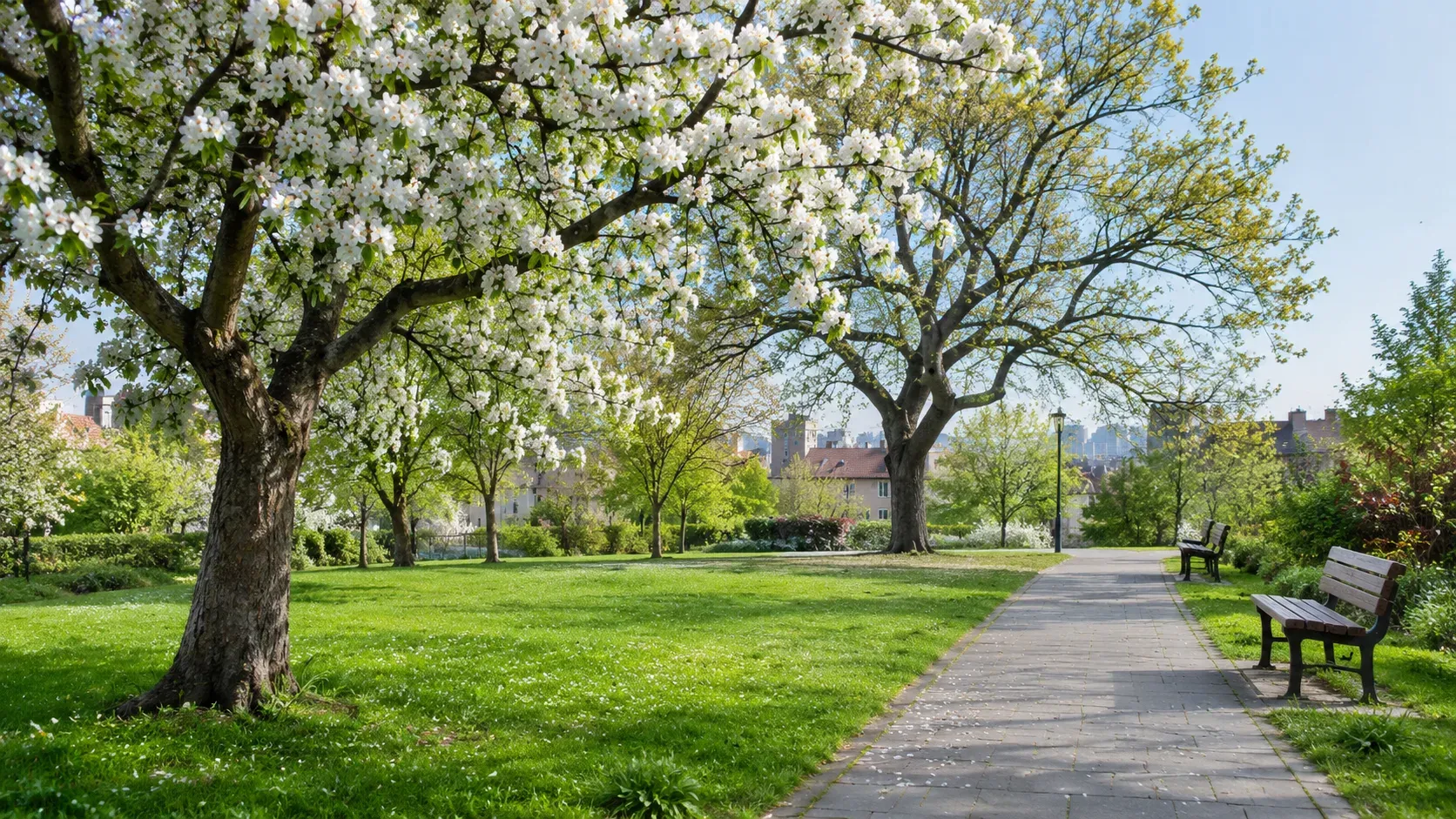
Now & Then: Compare Past and Present
The most interesting discovery may be a familiar outline at a corner you thought was long gone, rather than a new building. Where historical Street View imagery is supported, Revisit VR’s Now & Then lets you drag the Time Rift to compare available years from the same VR viewpoint. Moving the time boundary makes changes to buildings, roads, and storefronts easier to see.
Start Exploring on Meta Quest
Choose a place tied to a specific memory: a neighborhood where you once lived, your route home from school, or a district you would like to walk through again after a trip. First, find it with Open Exploration. If Street View imagery is available, look around and keep exploring. If older images are available too, use Now & Then to compare what has changed. Even without historical imagery, today’s street may hold a new discovery.
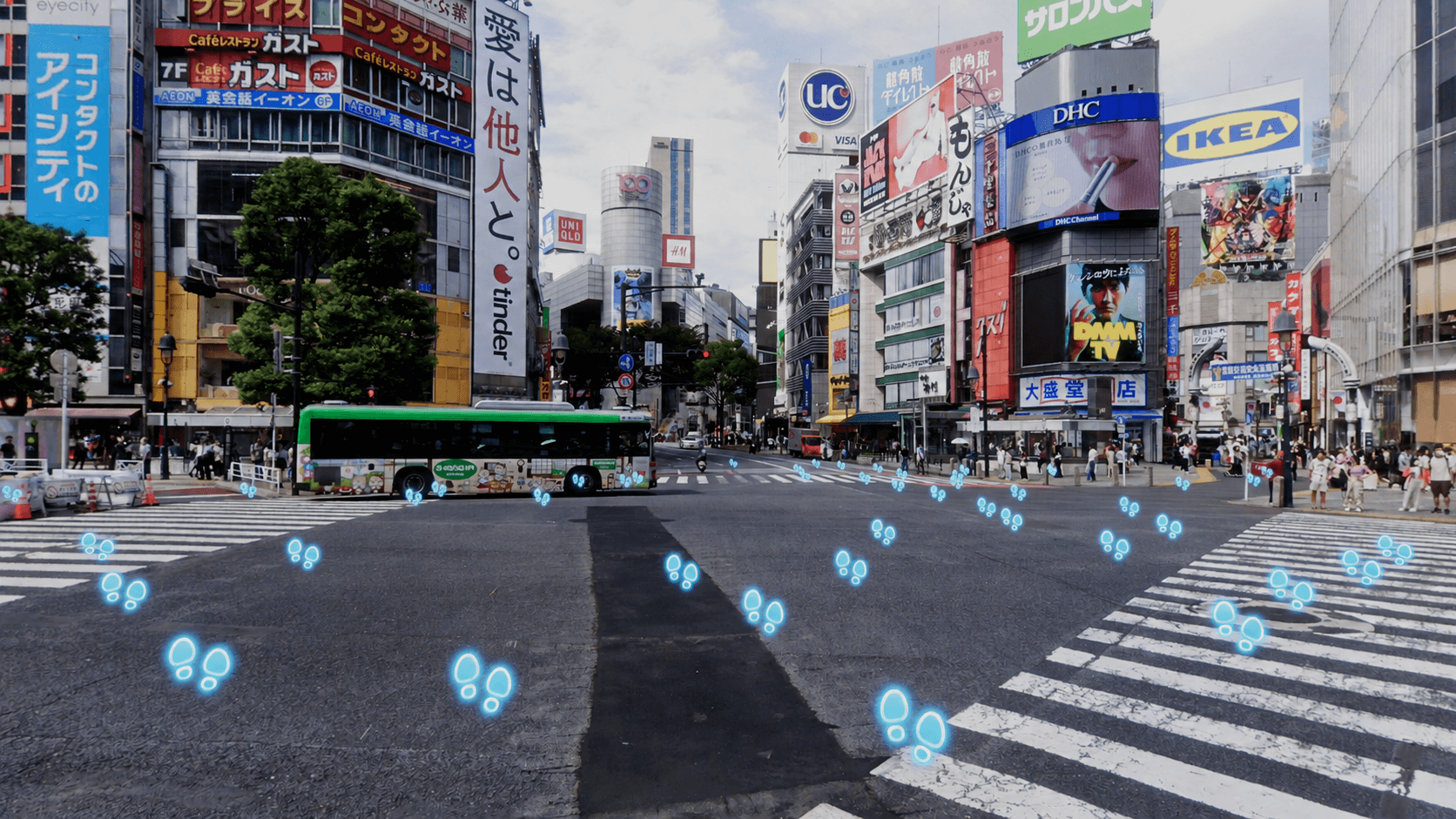
Street exploration shown on the Revisit VR website
To see a place where you once lived, start with a corner you remember. Revisit VR brings place search, real Street View exploration, and comparison of available historical imagery into one VR experience. You decide where to go next and which available year to compare. See Revisit VR’s app details and price on the Meta Quest Store.